Before you start: what you need
You need a KidzTale account, one clear photo of your child, their first name and their age. The creator lists ages 1 to 12. You can open the story creator without signing in to see every option, but you have to sign in before you can generate.
The photo uploads as soon as you add it. It goes to fal.ai storage and is sent to AI illustration models as a likeness reference, and its link is saved with the story. The privacy policy explains retention and deletion, and how AI personalized books are made covers which providers are involved.
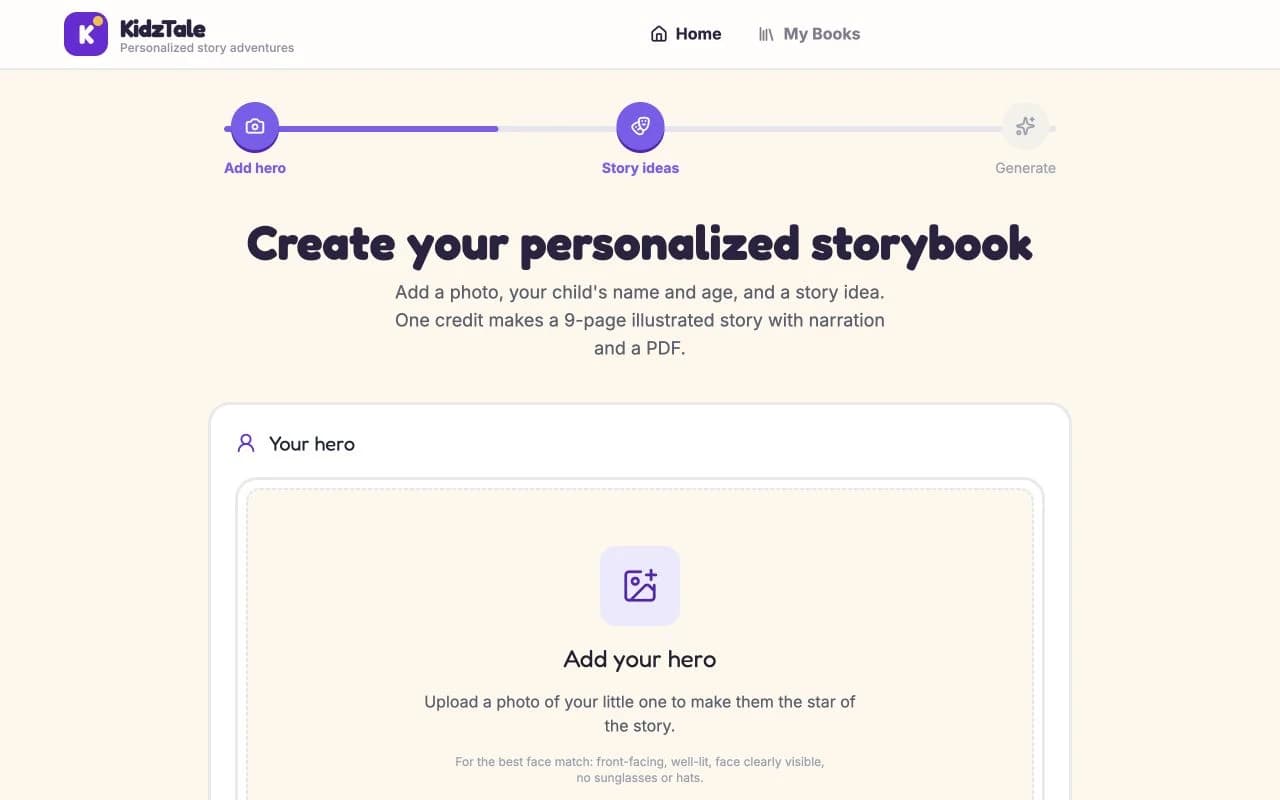
Step 1: Add your child
Upload one photo of your child; the creator won't generate without it. A front-facing, evenly lit photo with only your child in it works best. Avoid sunglasses, hats and faces turned to the side. Then enter their first name and pick their age. The age sets the vocabulary level of the text, not the length. Signed-in parents can also save a child profile to reuse next time.
Expect a stylised likeness, not a portrait. The art can vary between scenes, and each story is about one child.
Step 2: Describe the story
Tap one of the quick themes, such as Bedtime, Space or Dragons, or type your own idea in a sentence or two: “a trip to the dentist where Sam helps a nervous robot”. The more specific the idea, the more the story follows it. Seasonal stories work the same way: describe the occasion in your idea. If you start from a story theme page, the creator opens with that theme filled in.
Step 3: Choose an art style and narrator
Choose one of six art styles: a 3D animated look (the default, labelled “Pixar 3D”), Watercolor, Cartoon, Anime, Classic or Realistic. Then choose the narrator. The two buttons are labelled “Mom's Voice” and “Dad's Voice”, but both are standard AI voices, one female and one male. They are not recordings of you. Narration is included in every story, and the reading pace changes with the theme.
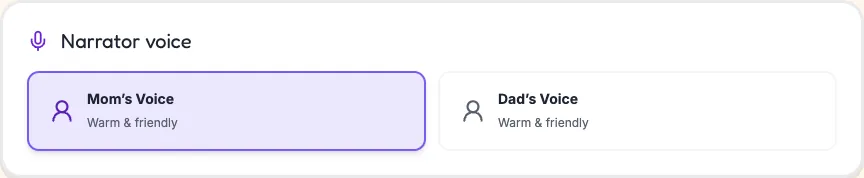
To have the story read in an imitation of your own voice, set up voice narration in Settings first. The audio narration guide compares the two.
Step 4: Add options and check the credit total
The creator adds up the credits as you switch options on. Every option must be chosen now: none can be added to a finished story.
| Option | What it changes | Credits |
|---|---|---|
| Standard story | 9 illustrated pages with text, narration and a PDF | 1 credit |
| 16-page extended story | 16 illustrated pages instead of 9 | +1 credit |
| Animated illustrations | Each picture plays as a short silent clip in the online reader only | +3 credits |
| Narration in your voice | Uses the first voice saved in Settings; available after a voice is set up | +1 credit |
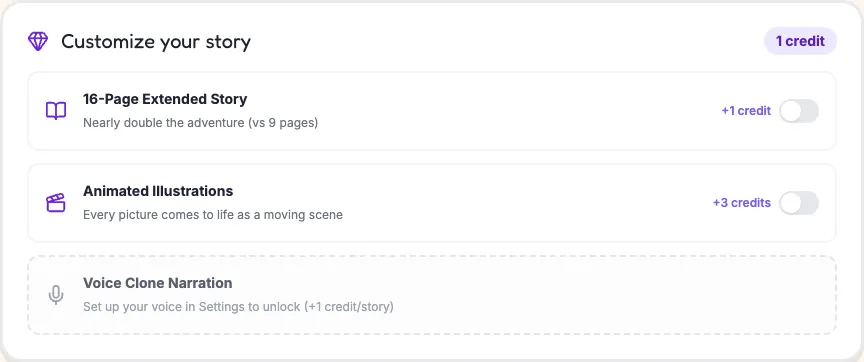
Animated illustrations play only in the online reader; there is no video file to download. See all features and add-ons for each option in detail.
Step 5: Buy credits, then generate
Payment comes before generation. If you don't have enough credits, the creator shows how many you need and links to pricing. One credit costs $5.99; a pack of 5 costs $19.99 and a pack of 10 costs $34.99. Credits don't expire while your account is active. Compare packs on the pricing page.
Press Generate and a progress screen appears while the text, pictures and narration are made. It usually takes a few minutes, and the story opens in the reader when it's done. Credits are deducted only when the story is finished, so a failed generation doesn't use them. If a finished story is defective, contact support for a remake or a return of the credits. Unused web credits can be refunded within 30 days of purchase.
Step 6: Read, listen and download
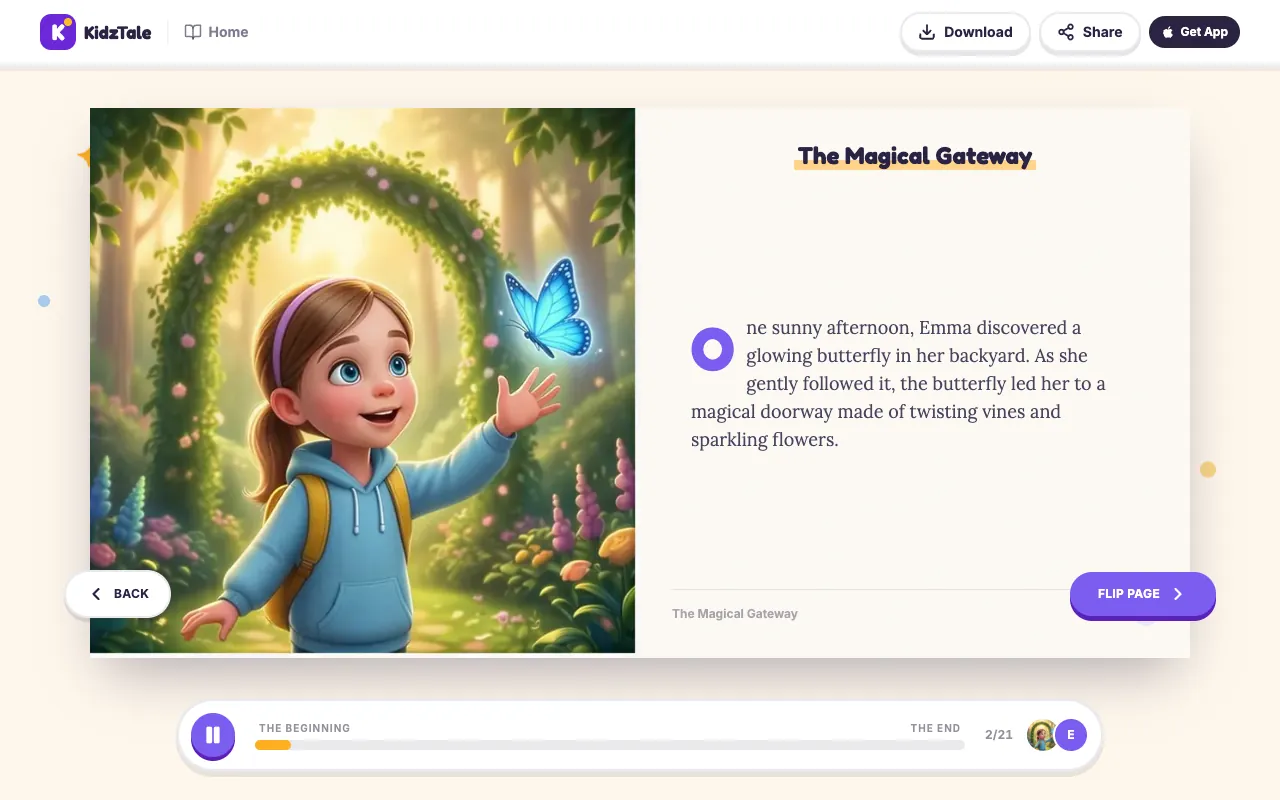
Your story opens as a book in the online reader: the cover, then each illustration beside its text, then “The End” and a back cover. Press the play button and the recorded narration reads each text page in order, turning pages as it goes. Press Download for the PDF, an 8.5 × 8.5 inch square book with print bleed. The printing guide explains how to print it on Letter or A4 paper or at a print shop. KidzTale does not ship printed books.
The public demo and your private book
The demo story, Emma's Enchanted Forest Adventure, is open to anyone with no account. It uses the same reader, real recorded narration and the same PDF download as a paid story, so it's the best way to judge the format before you pay. It is one shared example: it doesn't show your child's likeness, other art styles, animated illustrations or a cloned voice.
Your own story is private. It opens only when you are signed in to the account that made it, so a link to it won't open for grandparents or friends. To share it, send the PDF. The iPhone app also opens the stories in your account; there is no Android app.
Limits to know before you pay
- Stories and narration are in English only.
- One child per story, from one required photo.
- No free personalized preview: you pay with credits before generating and see the story only once it's made.
- Pages cannot be edited or regenerated after a story is made; a new story uses a new credit.
- Options such as narration in your voice or animation can't be added afterwards.
- The likeness is stylised and can vary between pictures.
- KidzTale doesn't ship printed books; you print the PDF yourself.